
AI Robots Solution
 End-to-End AI Robot Solution delivers AI-accelerated Platforms, Time Synchronization, Software Stack, and Fleet Management. From concept to fleet, Vecow one-stop AI Robot Solution simplifies developme.
Digital Rail Solution
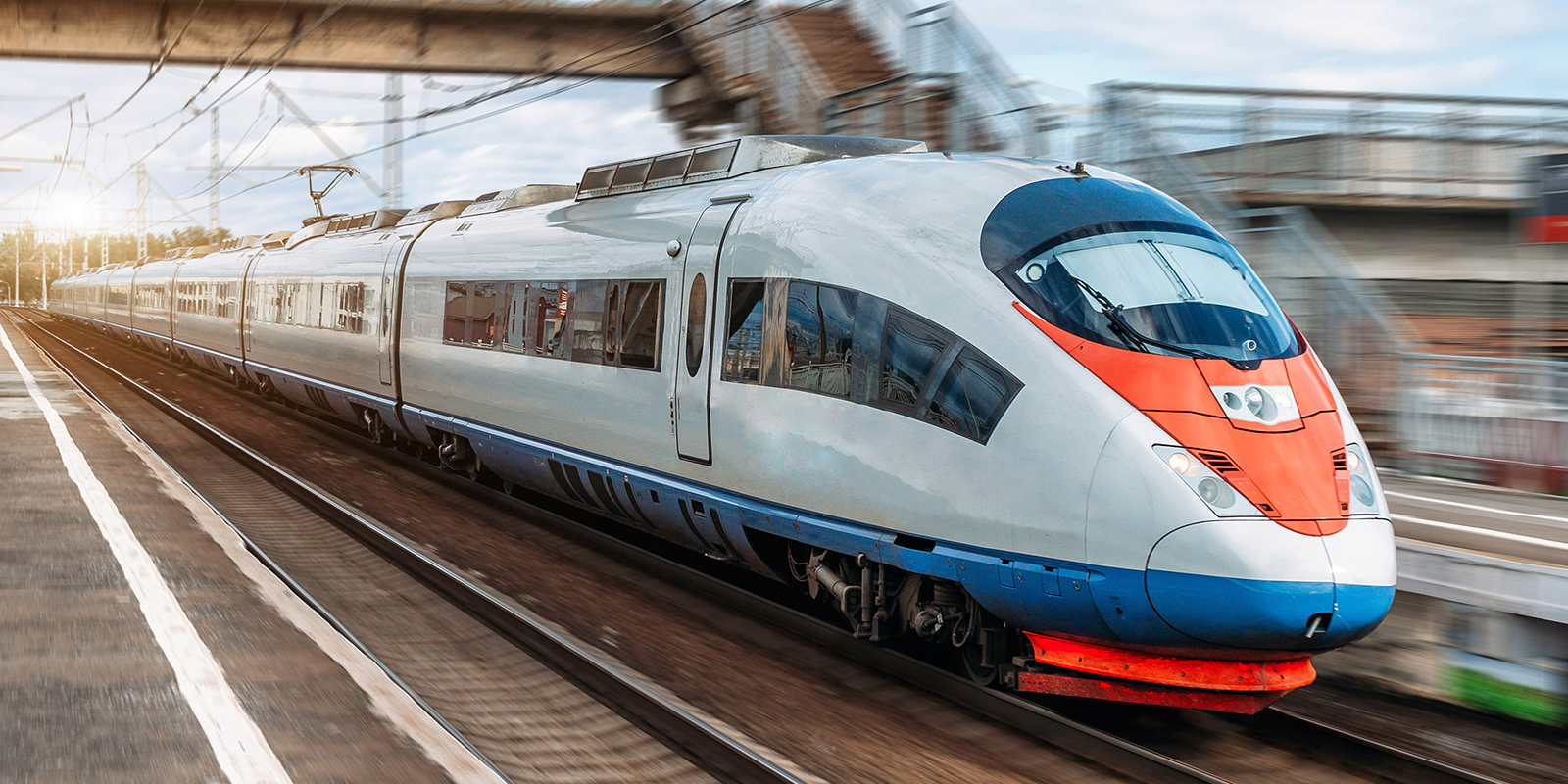 Reliable EN-50155 railway computing for mission-critical rolling stock, trackside monitoring, and real-time passenger information systems.
Intelligent Factory Solution
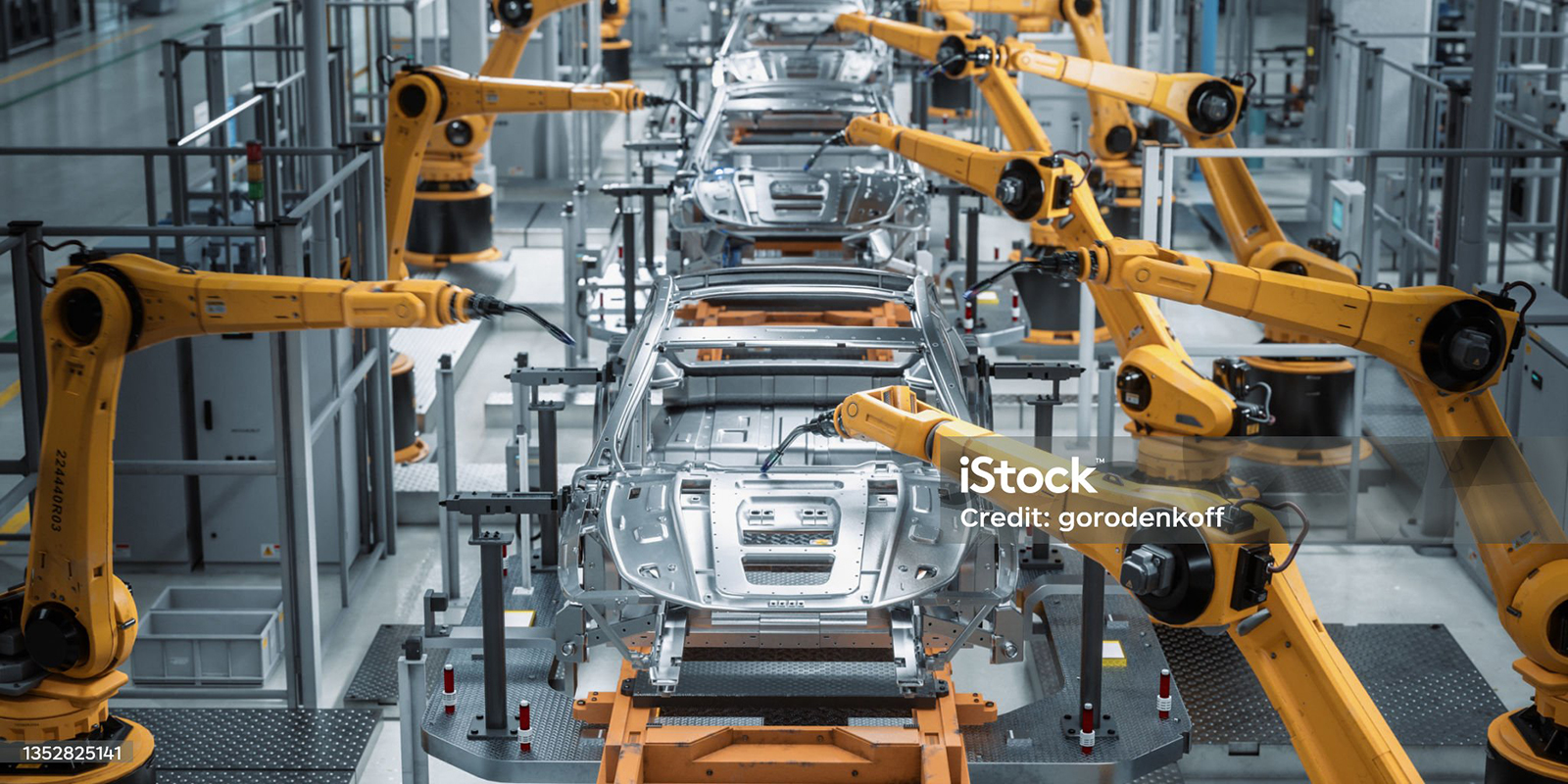 Drive Industry 4.0 with high-speed machine vision and AI-accelerated platforms for real-time defect detection and factory automation.
 General Information


